
Most general contractors overlook a simple tool that directly impacts how potential clients find them online. Schema markup tells search engines exactly what your business does, where you operate, and what customers think of your work.
At Ladder 48, we’ve seen contractors gain measurable improvements in local search visibility by implementing the right schema types. This guide walks you through the specific markup your contracting business needs and how to avoid the mistakes that waste your effort.
What Schema Markup Actually Does
Schema markup is structured data code that translates your contractor website into a language Google understands natively. Without it, Google guesses what your business does, where you operate, and whether customers trust your work. With it, you communicate those facts directly. A remodeling contractor in Phoenix can tell Google exactly that they serve Phoenix metro, offer kitchen and bathroom remodeling, have a 4.8-star rating from 47 verified customers, and charge within a specific price range. Google doesn’t have to interpret or infer anything. This clarity matters because Google processes millions of contractor websites, and the ones with clean, accurate schema data rank higher in local search results and appear in richer formats like star ratings, service details, and FAQ snippets.
How schema accelerates your visibility
Research from Schema.org and implementation data shows that contractors who markup their core pages see indexing within 1 to 7 days, testing by Google within 1 to 3 weeks, and consistent enhanced listings within 3 to 8 weeks. Those timelines accelerate if your website already has authority and you maintain consistent data across your Google Business Profile, website, and directory listings. Local search has shifted dramatically. When someone searches for kitchen remodeling in your city, Google no longer just looks at keywords on your page. It evaluates your schema markup, review volume, service area precision, and NAP consistency across the web.
Why contractors without schema fall behind
A general contractor without schema competes at a disadvantage because Google cannot confidently display their services, coverage area, or ratings in the local pack or knowledge panel. With schema, your listing becomes a source of truth that Google trusts. Contractors implementing LocalBusiness schema, Service schema, and Review schema report stronger visibility in near-me searches and map results. The data backs this up: contractors who added schema markup saw a 35 percent increase in leads within three months, according to implementation case studies across the industry.
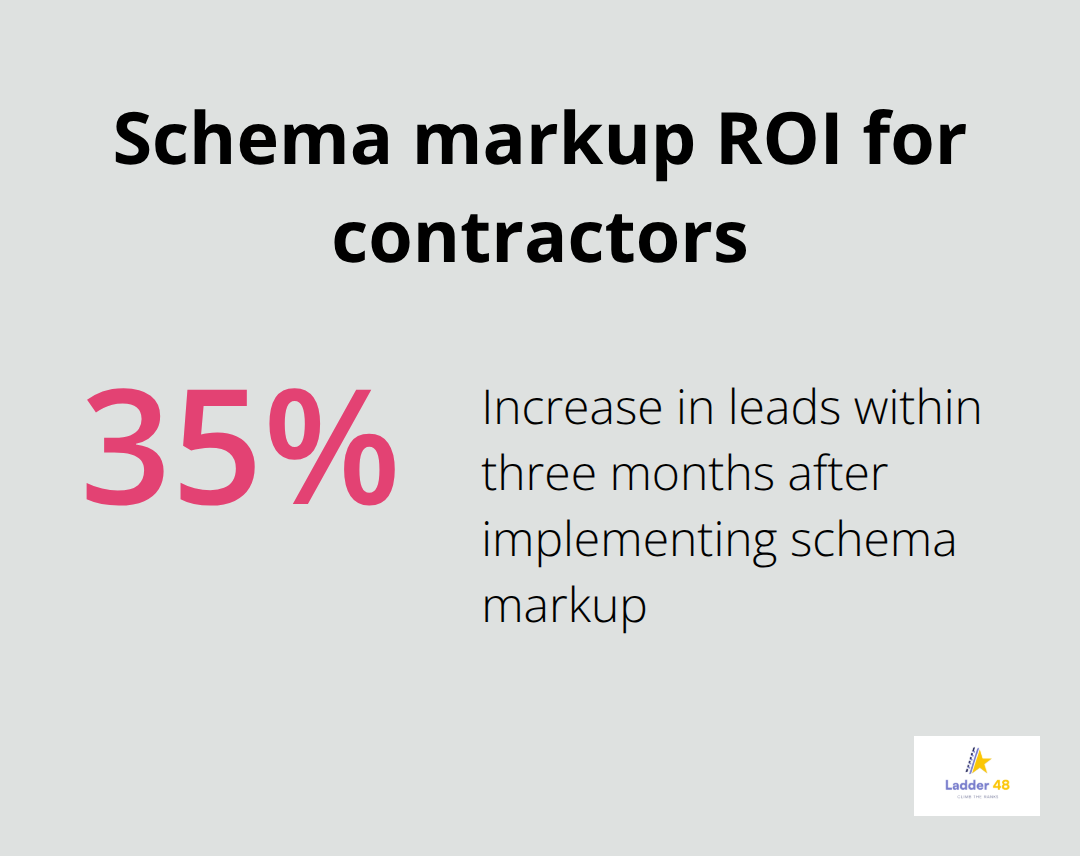
That ROI justifies the effort immediately. Without schema, you leave qualified leads to competitors who have already invested in structured data.
Why delays cost you market position
Many contractors postpone schema implementation because they think it’s complex or because they don’t see immediate results. That’s a costly mistake. Google takes 1 to 3 months to fully recognize and reward your schema, but competitors in your market are likely already ahead. If you operate in a competitive market like kitchen remodeling in a major metro area, the delay compounds. Contractors with niche services or low local competition sometimes see faster results because there’s less noise. Regardless of your market, starting now means you’ll capture the ranking and visibility benefits before your next fiscal quarter.
The fastest path to results
Contractors who prioritize schema on their highest-converting pages first (typically kitchen and bathroom remodeling pages) see measurable improvements faster than those who try to markup everything at once. The practical path forward is to audit your site, select your top three to five service pages, implement LocalBusiness and Service schema on those pages, validate the markup, and monitor your search visibility and lead volume monthly. The next section covers the specific schema types that deliver the strongest results for your contracting business.
The Three Schema Types That Actually Move the Needle
LocalBusiness Schema: Your Foundation for Local Visibility
LocalBusiness schema is non-negotiable for contractors. This markup tells Google your business name, address, phone number, service area, hours, and rating all at once. Google uses this data to populate your knowledge panel, local pack listing, and map results. When you implement LocalBusiness schema with the GeneralContractor or RoofingContractor subtype, you signal to Google exactly what category your business belongs in, which improves classification accuracy.
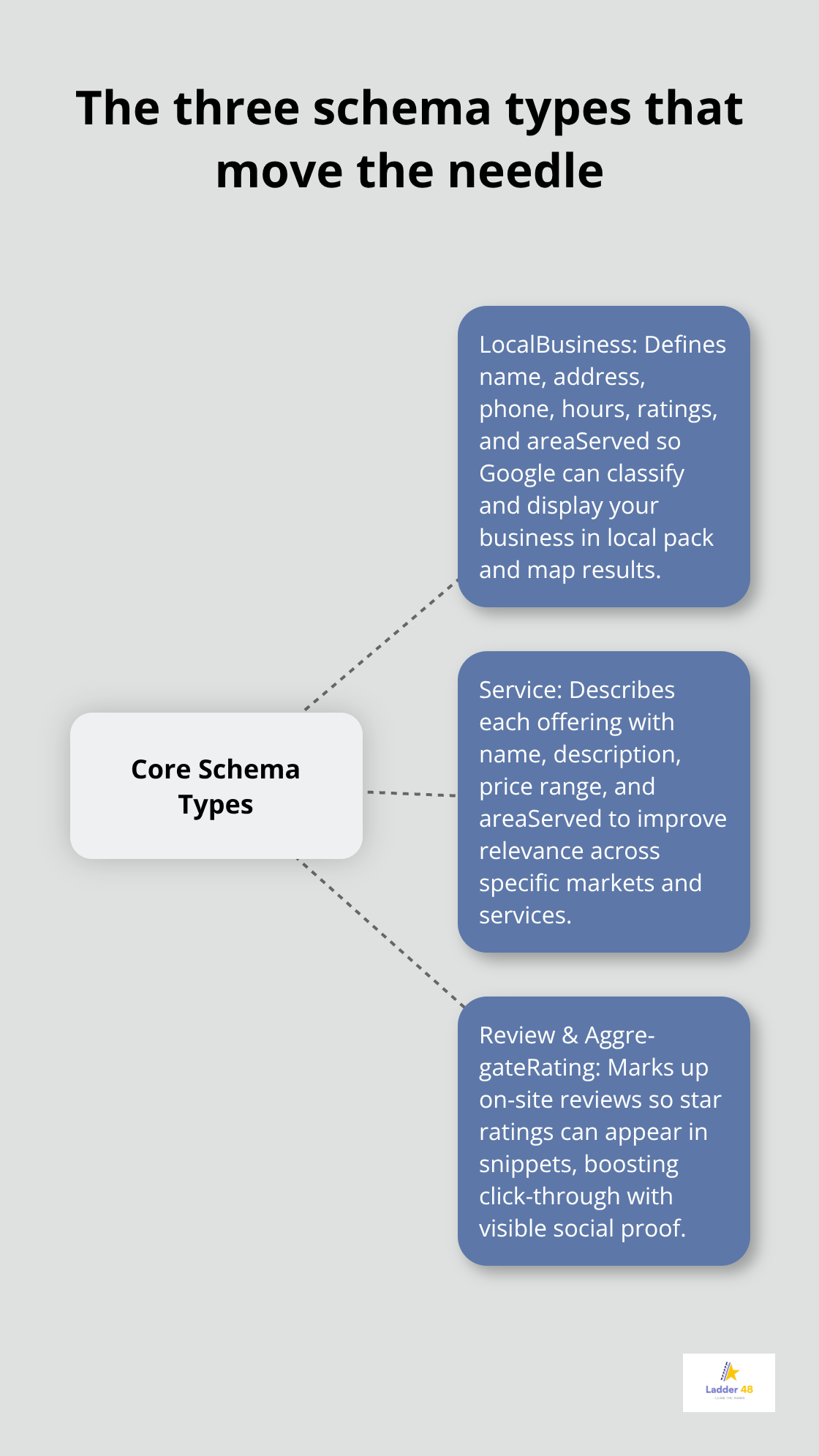
Include the areaServed field to specify your coverage zone (for example, Phoenix metro or a 50-mile radius from your office). Without areaServed, Google may not confidently show your listing for near-me searches outside your immediate location. A kitchen remodeler in Arizona who adds areaServed markup for Phoenix, Scottsdale, and Tempe will appear in searches from those neighborhoods, while a contractor without this field might only show up for their exact address.
Coordinate your LocalBusiness schema with your Google Business Profile to eliminate data mismatches. If your phone number differs between your website schema and your GBP listing, Google flags the inconsistency and reduces trust in both sources. NAP consistency across your website, Google Business Profile, Yelp, and industry directories is foundational. Many contractors skip this step and wonder why their local rankings stall.
Service Schema: Communicate Your Specific Offerings
Service schema is where you communicate what you actually do. Create a separate Service schema block for each core offering: kitchen remodeling, bathroom renovation, deck building, whatever generates your revenue. Each Service schema should include the service name, description, price range, and areaServed. If you offer kitchen remodeling in Phoenix and Scottsdale, don’t bundle them into one schema. Create two Service schema blocks so Google understands you serve both markets for that specific service. This granularity improves long-tail search relevance.
A homeowner searching for bathroom remodeling in Chandler is more likely to find you if your Chandler-specific bathroom remodeling page has Service schema with areaServed set to Chandler than if your schema only mentions a broad 50-mile radius. This precision matters because Google matches user intent to your service area with greater accuracy when you provide explicit geographic boundaries.
Review and Rating Schema: Build Trust Through Visibility
Review and rating schema amplifies trust signals in search results. When you markup your on-site customer reviews with Review schema and aggregate them with AggregateRating, Google displays your star rating directly in search snippets. A 4.8-star rating with 47 reviews in your search result generates more clicks than a plain text listing. Implementation data shows contractors who add review schema see higher click-through rates because the visual star rating catches attention.
Only markup reviews you host on your own website. Avoid marking up third-party reviews from Yelp or Google, as Google’s guidelines prohibit this and it can trigger manual penalties. Collect reviews immediately after project completion and ask customers to leave feedback on your site. The more reviews you accumulate and markup, the stronger your rating signal becomes. A contractor with 10 reviews and a 4.6-star rating will outperform a competitor with 2 reviews and a 5.0 rating in search visibility because volume matters as much as the score itself.
The next critical step involves validating your schema implementation and avoiding the errors that undermine your efforts.
Common Schema Implementation Mistakes and How to Avoid Them
Syntax Errors That Break Your Markup
Most contractors who implement schema markup make errors that Google either ignores or penalizes, wasting weeks of effort. Syntax problems represent the first failure point. If your JSON-LD contains a missing comma, a mismatched bracket, or an undefined field, Google simply discards that entire schema block. Your kitchen remodeling page might have perfectly written Service schema, but one syntax error means Google never reads it.
Schema.org Validator and Google’s Rich Results Test catch these problems immediately, yet many contractors skip validation and publish broken code. The fix is non-negotiable: validate every schema implementation with Google’s Rich Results Test before publishing. Run your page through the tool, fix any errors it flags, and only then push the code live. This single step eliminates 80 percent of implementation failures.
Incomplete Data That Weakens Your Signals
The second failure point is incomplete data. Many contractors implement LocalBusiness schema but omit areaServed, making Google guess their service territory. Others add Service schema without price range or areaServed, which weakens the relevance signal for location-specific searches.
Schema.org documentation lists required and recommended fields for each schema type. LocalBusiness requires name, address, and phone number at minimum, but adding areaServed, opening hours, and service area coordinates dramatically improves local search performance. Service schema requires the service name and description, but adding price range, areaServed, and provider information increases the likelihood Google displays your service in rich results. A roofing contractor who implements Service schema for roof repair but omits areaServed loses visibility in location-specific searches because Google cannot confidently match the service to geographic intent.
Stale Data That Contradicts Your Other Listings
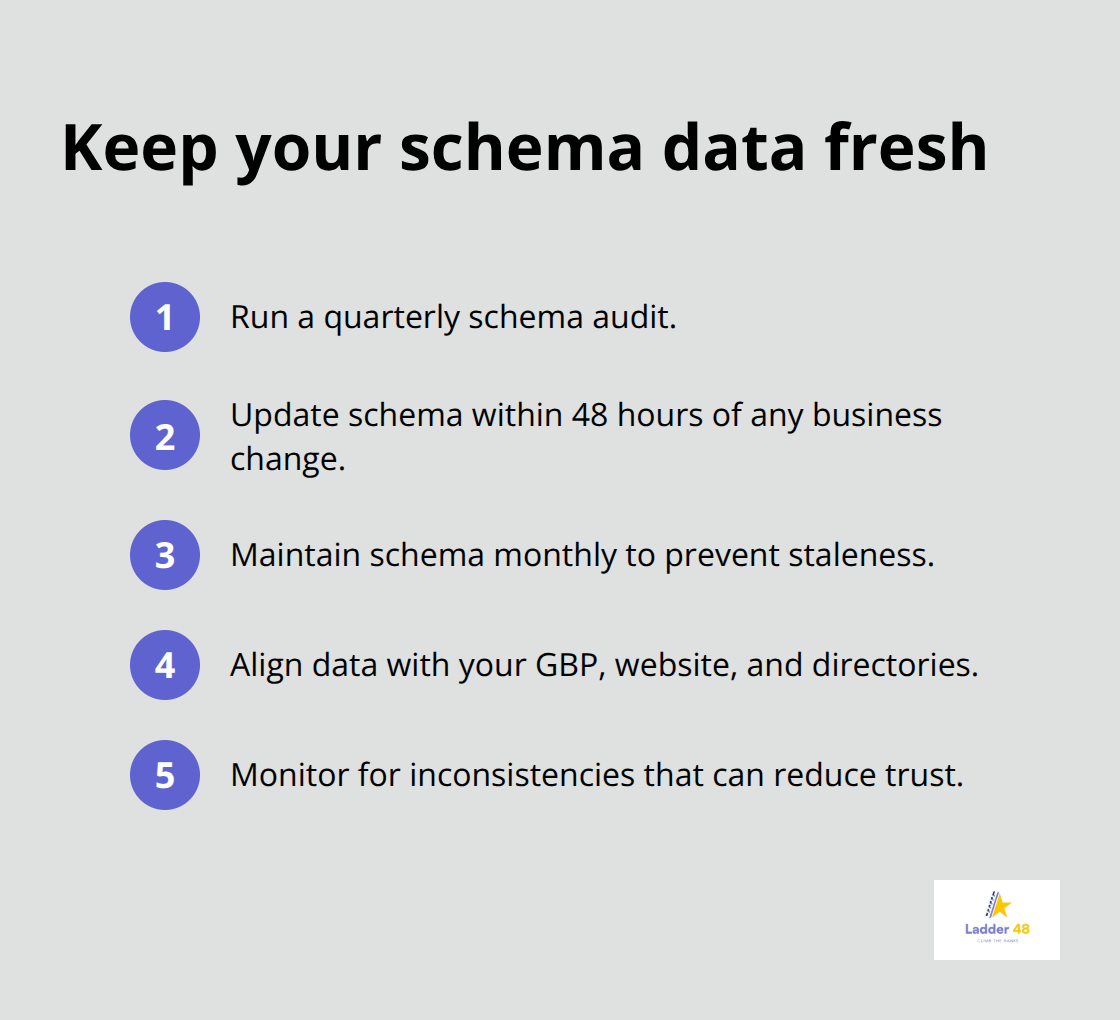
The third failure is data staleness. You implement schema in January with accurate phone numbers, hours, and service areas, but your business expands to a new city in March and you never update the schema. Now your schema contradicts your Google Business Profile, which signals inconsistency to Google and tanks trust.
Schedule a quarterly schema audit to verify your data matches your GBP, website content, and directory listings. If you change your service area, add a new location, or update your phone number, update your schema within 48 hours. Contractors who treat schema as a set-and-forget task consistently underperform compared to those who maintain it monthly. The ROI compounds when you keep your structured data current and aligned across all platforms.
Final Thoughts
Select your three highest-converting service pages and run each through Google’s Rich Results Test to validate your markup before publishing. You can write JSON-LD manually or use a plugin like Yoast or All in One SEO to generate it, and for contractors managing multiple locations, Schema App provides ongoing maintenance so you don’t update markup manually every time your business changes. Implementation takes hours, not weeks, and you’ll see measurable improvements in local pack visibility within 3 to 8 weeks if your general contractor schema markup is correct and consistent.
Monitor your results monthly by tracking leads generated, click-through rate in Google Search Console, and local search visibility for your target keywords. If your results plateau after two months, audit your data for inconsistencies between your website, Google Business Profile, and directory listings-mismatches kill trust signals and stall progress. The contractors winning in local search right now started schema implementation months ago, and your competitors are likely already ahead.
The ROI is proven: contractors who added schema markup saw a 35 percent increase in leads within three months. That return justifies the investment immediately, and we at Ladder 48 specialize in tailored SEO solutions designed to help contractors attract qualified leads and climb search rankings. Start your schema audit this week.


